
For delivery drivers
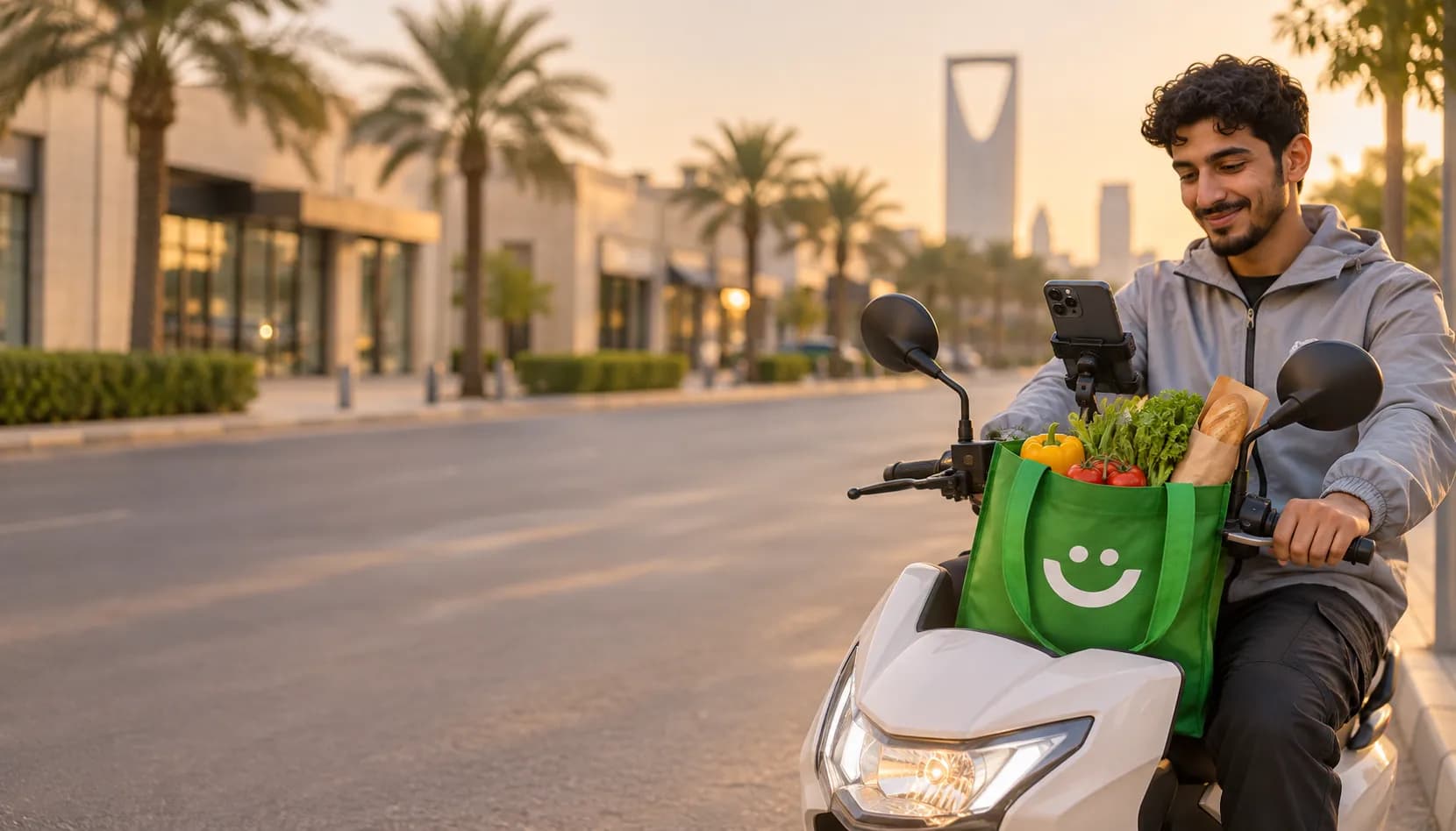
Deliver with Tote, on your own time
Join the markets near you, go available when it suits you, and deliver groceries across your city with an app made for the road.
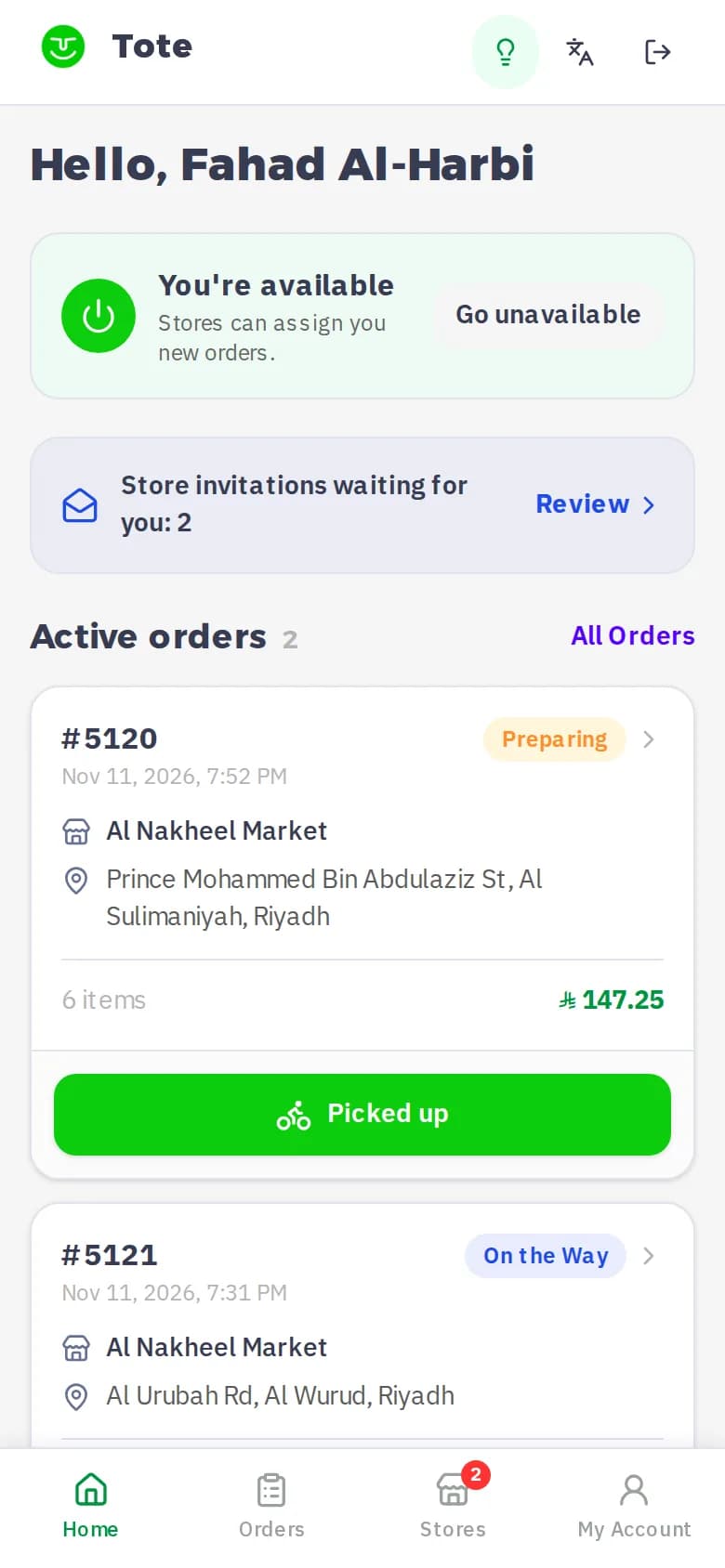
- to go available or end your shift
- 1 tap
- to go available or end your shift
- to carry: customers pay online when they order
- 0 cash
- to carry: customers pay online when they order
- to sign up from your phone
- 3 steps
- to sign up from your phone
Why drivers choose Tote
Work that fits around your day, with the details you need for every trip in one place.
Deliver close to home
Markets near the spot you pin invite you, so your trips stay in the neighbourhoods you know.
Nothing to collect
Customers pay by card when they order, so you never carry cash or make change at the door.
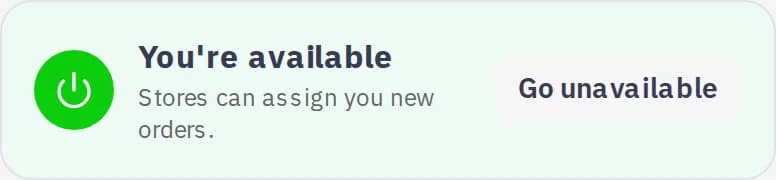
Your hours, your call
Go available when you want to work and switch off when you're done. No fixed shifts.
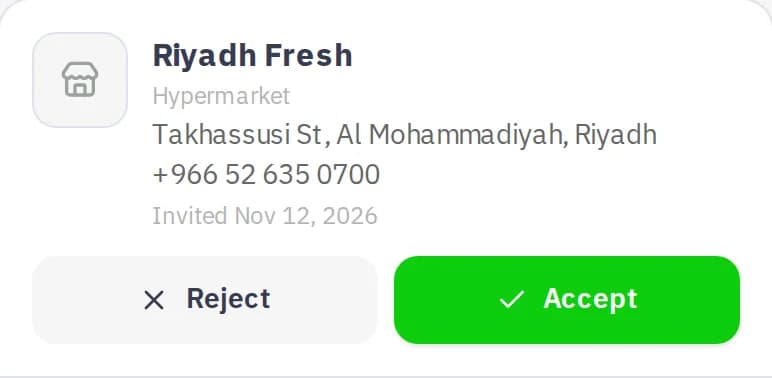
Choose your stores
Accept the invitations that suit you, deliver for more than one market, and leave whenever you like.
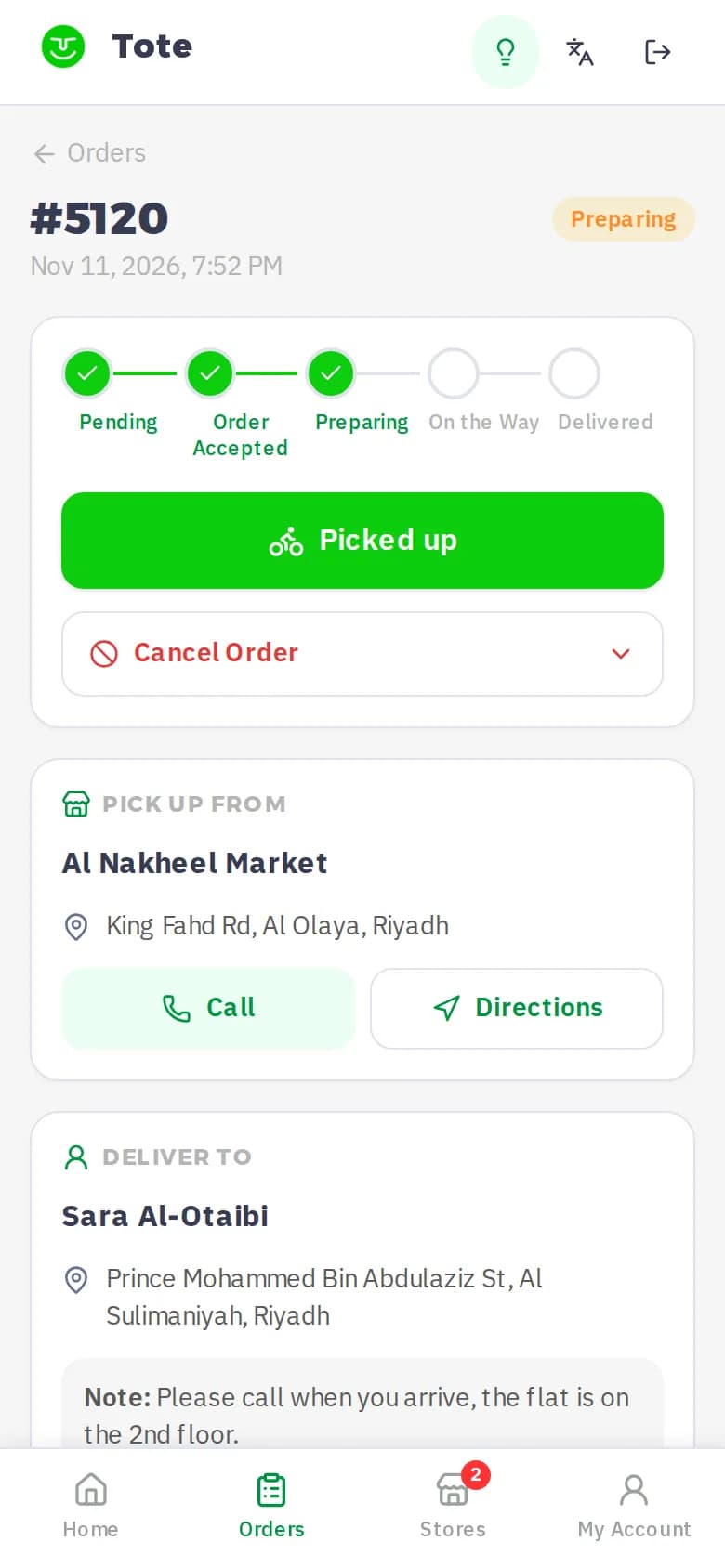
Two taps per order
Picked up at the store, Delivered at the door. The store and the customer follow along as the order moves.
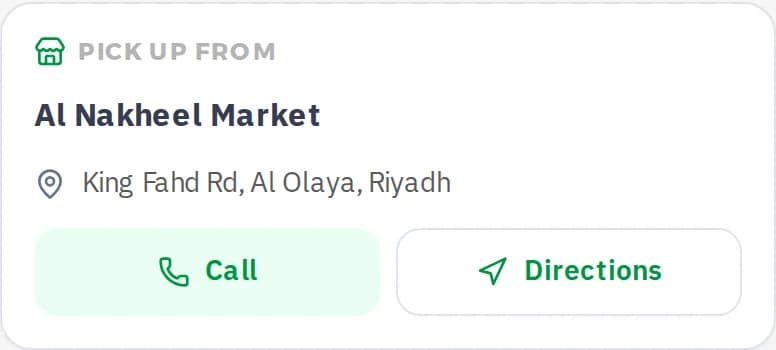
Everything for the trip
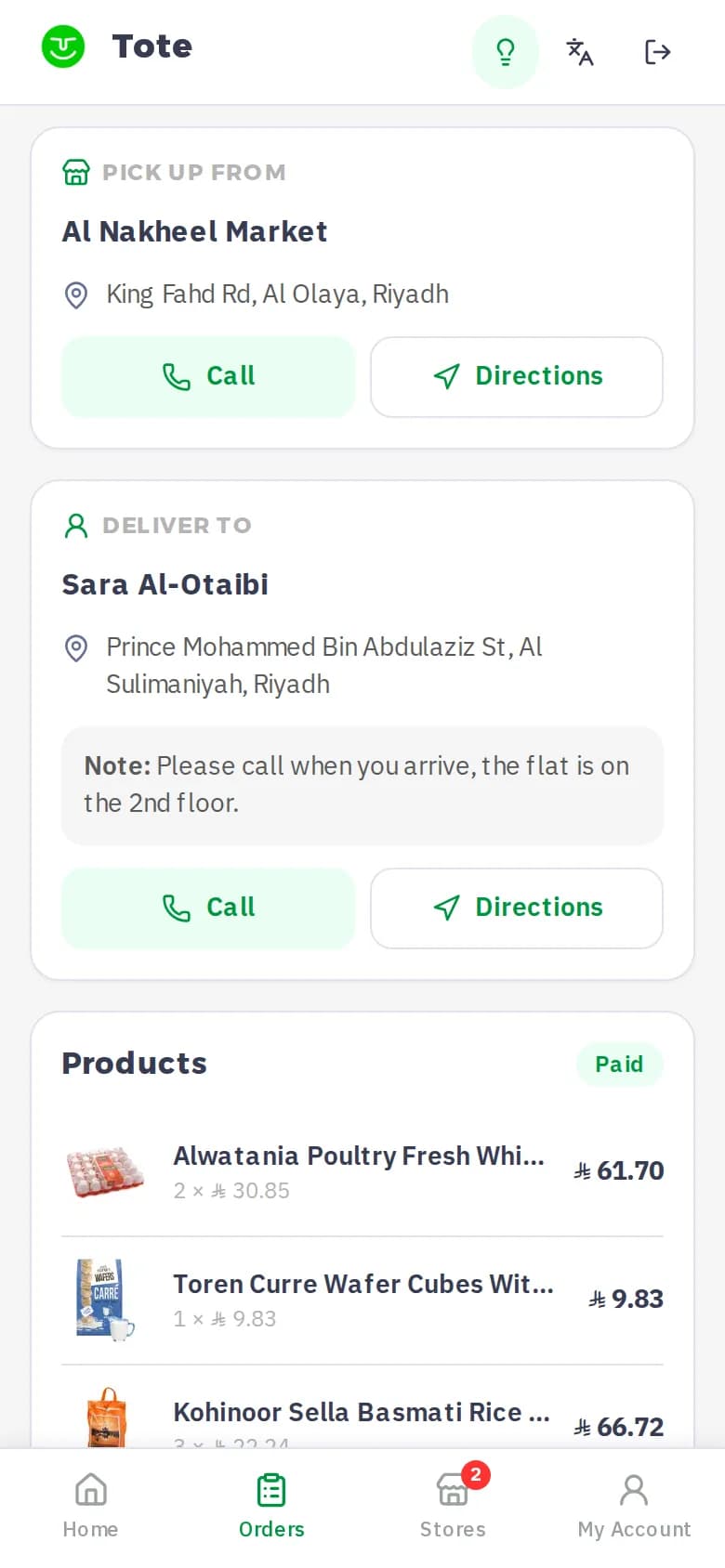
Pickup and drop-off addresses, the customer's note, and one tap to call or get directions.
Your shift, in your pocket
The driver area is built for a phone in one hand: big buttons, the next step always on top, and nothing you don't need on the road.
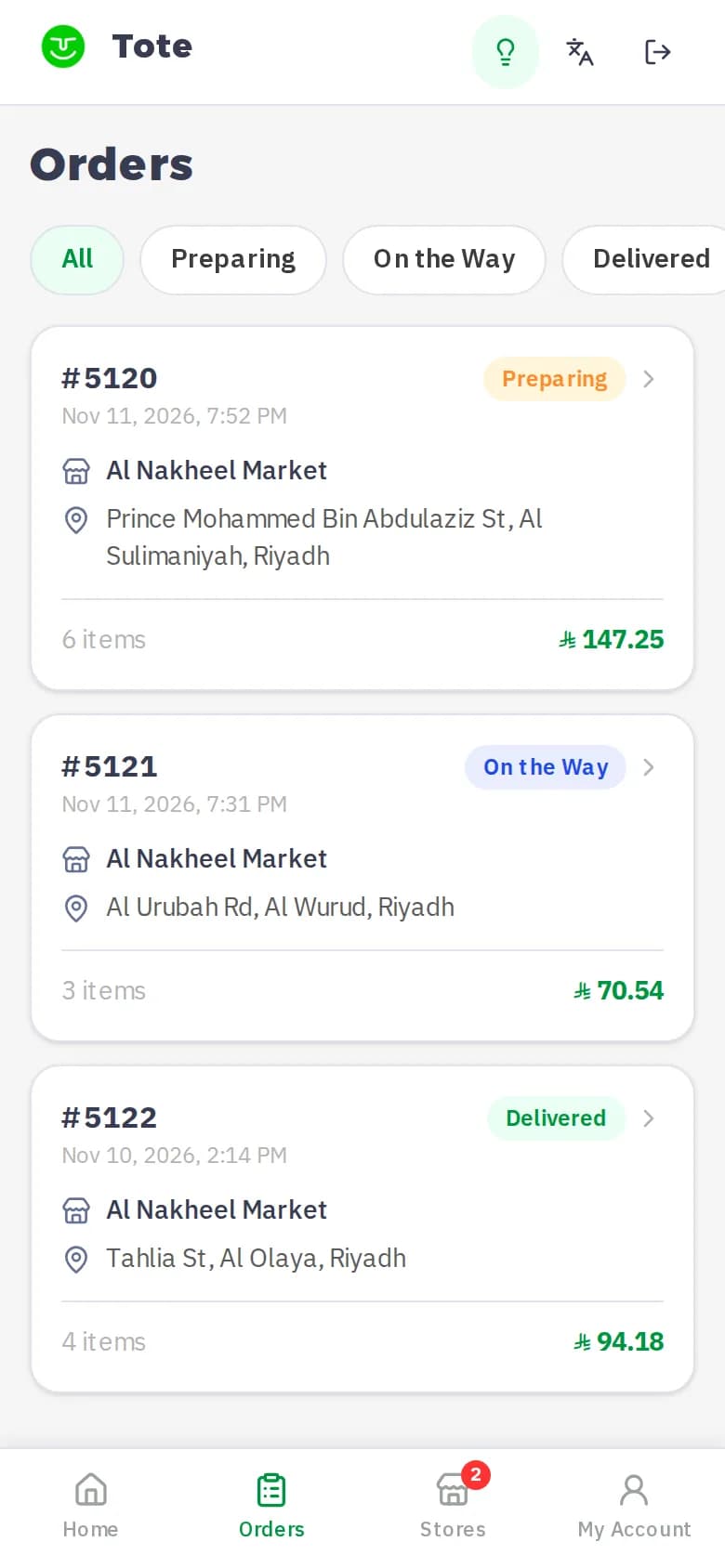
- Assigned orders land on your home screen
- One tap for Picked up, one for Delivered
- Call the store or customer from the order
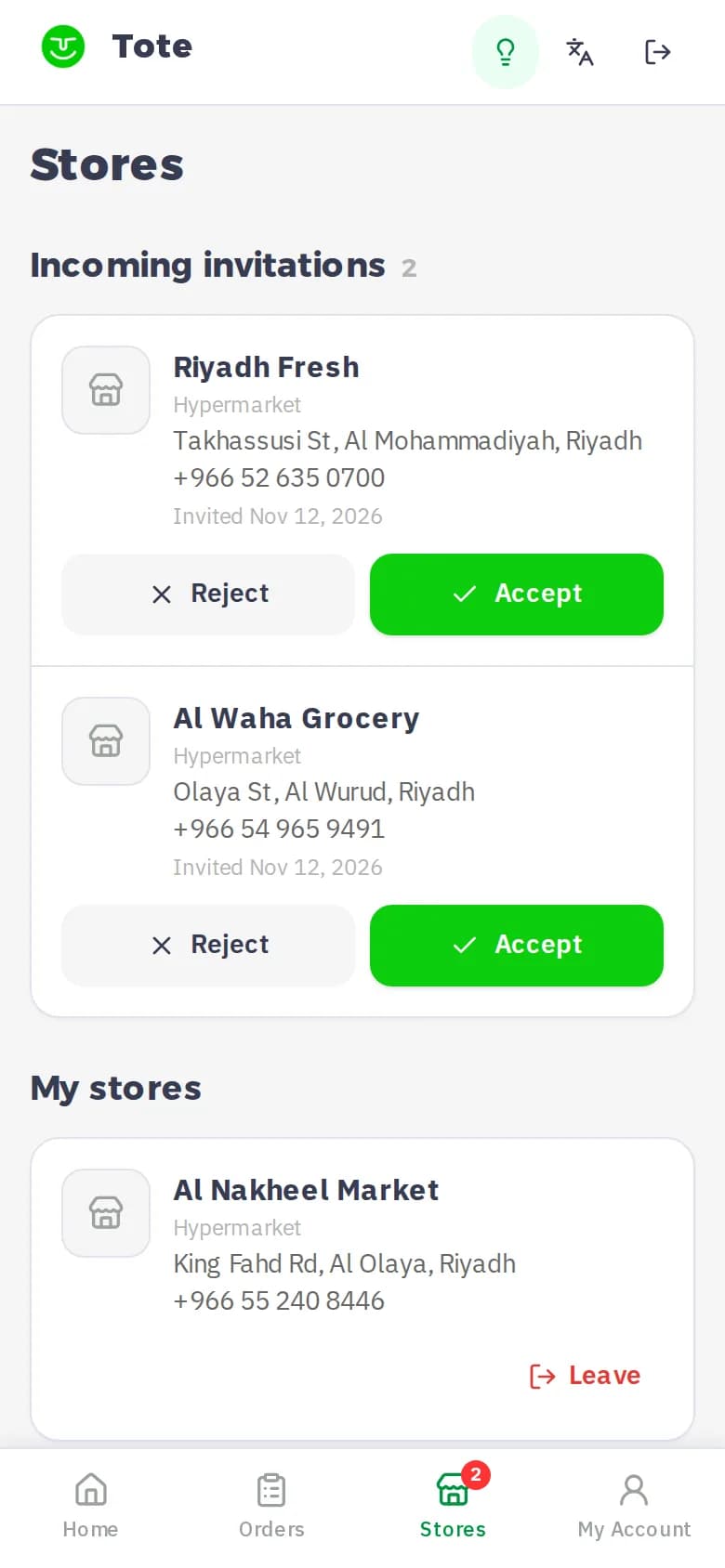
- Answer store invitations wherever you are
Open it in your phone's browser — no download needed.
How to start delivering
From sign-up to your first delivery in four steps.
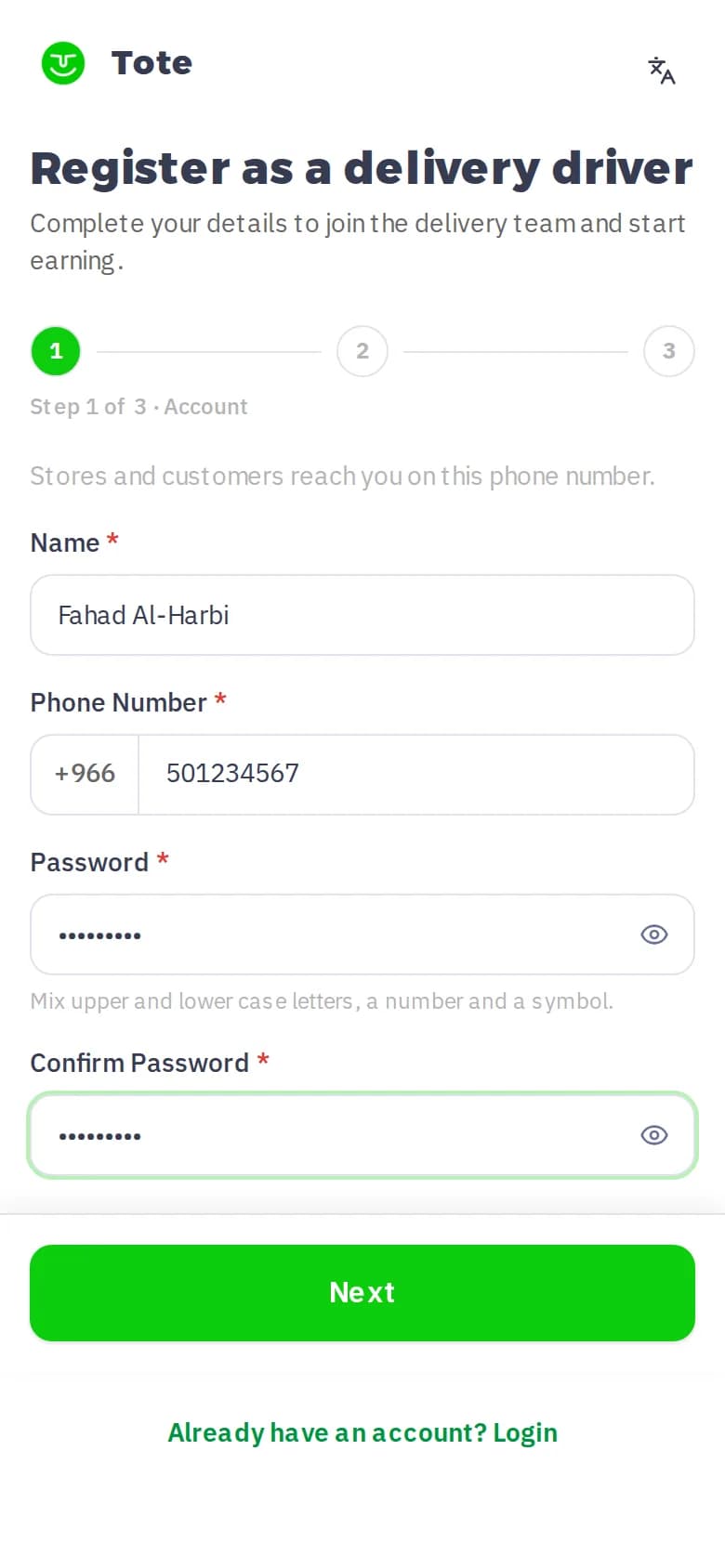
- 1
Sign up
Enter your details, pick your vehicle, pin your location and upload your documents.
- 2
Join a store
Once Tote activates your account, accept an invitation from a market near you.
- 3
Go available
Switch on when you're ready. Orders a store assigns to you show up in your list.
- 4
Pick up and deliver
Call or get directions from the order, tap Picked up at the store and Delivered at the door.
What you need to join
Have these ready before you start. You upload the documents as photos or PDFs during sign-up.
- Your ID card or iqama number and a photo of it
- A valid driving license
- A delivery permit
- A car or a motorcycle
- A smartphone with mobile data

Start delivering with Tote
Sign up in a few minutes from your phone. Tote checks your documents and activates your account, then the markets near you can invite you.
Already driving with Tote? Driver sign in
- Quick sign-upThree short steps, all from your phone.
- Free to joinThere's nothing to pay to sign up.
Frequently asked questions
What drivers ask us most before they join.
Do I need my own vehicle?
Yes. You deliver with your own car or motorcycle, and choose which one when you sign up.
Which documents do I need?
Your ID card or iqama number with a photo of it, your driving license and a delivery permit. Upload each one as a photo or PDF of up to 10 MB.
When can I start delivering?
Tote reviews your documents and activates your account. You can sign in as soon as it's active, then accept an invitation from a store and go available.
Can I deliver for more than one store?
Yes. Accept as many invitations as you like, and leave a store at any time from the Stores screen.
Do I collect cash from customers?
No. Customers pay online when they place the order, so every order reaches you already paid.
Can I choose when I work?
Yes. Stores only assign orders to available drivers. Switch availability on when you start and off when you finish.